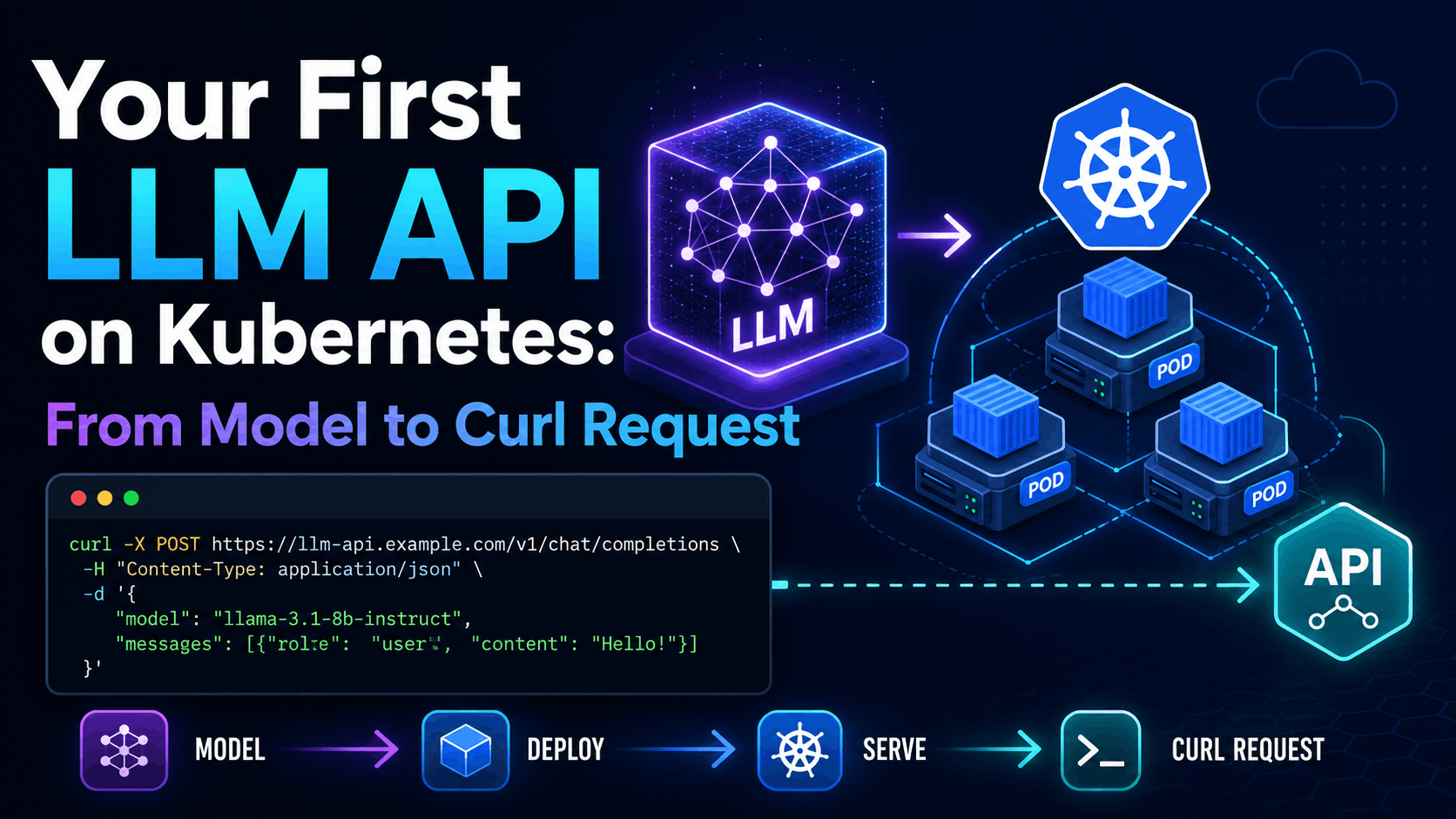
Your First LLM API on Kubernetes: From Model to Curl Request
Series links
- Part 1: Everything You Know About Scaling Web Apps Breaks When You Serve an LLM
- Part 2: The Request Is the Wrong Unit of Scale for LLMs on Kubernetes
- Part 3: How Do You Fit a Trillion-Parameter Model Into a Kubernetes Cluster?
- Part 4: Before the Pod Starts: GPU Node Setup for LLMs on Kubernetes
- Part 5: OpenAI Already Told Us the Kubernetes Scaling Story, Most People Just Did Not Read It Closely
So far in this series, we have covered the mental model, tokens, model size, GPU node readiness, and OpenAI's Kubernetes scaling lessons.
Now we should run something.
In this part, we will deploy an actual model on a Kubernetes GPU node, expose it as an OpenAI-compatible API, and call it with curl. The model is:
Qwen/Qwen2.5-1.5B-Instruct
That model is small enough for a first single-GPU walkthrough, but still behaves like a real chat model. If your GPU is very small, try Qwen/Qwen2.5-0.5B-Instruct. If you have more memory and want a bigger test, try Qwen/Qwen2.5-7B-Instruct.
Do not start with the biggest model you can name. Start with a model your node can actually load. The goal here is not benchmark glory. The goal is to get from Kubernetes GPU capacity to a working LLM API request.
What vLLM is doing in this setup
Kubernetes is not serving the model by itself. Kubernetes schedules the pod, gives it networking, mounts the Secret, and asks the NVIDIA device plugin for a GPU. After that, the model server inside the container has to do the LLM-specific work.
vLLM is that model server in this walkthrough. It downloads the model weights, loads them into GPU memory, starts an HTTP server, accepts OpenAI-compatible requests, batches work internally, runs the model, and streams or returns generated tokens.
That distinction matters. The Kubernetes Deployment does not magically become an LLM API because it has nvidia.com/gpu: 1. It becomes an LLM API because the container starts a serving engine that knows how to load a Hugging Face model and expose routes like /v1/chat/completions.
vLLM is a good first serving engine because it hides a lot of ugly details without hiding the shape from you. You still see the model name, GPU request, port, token Secret, logs, Service, and curl request. But you do not have to write your own batching loop, tokenizer path, HTTP server, or OpenAI-compatible API wrapper just to prove the deployment works.
vLLM is the engine. The thing we care about is the model API it serves.
Prerequisites
I am assuming you already completed the GPU node setup from Part 4. That means the NVIDIA driver stack, container runtime, GPU Operator or NVIDIA device plugin, labels, and basic GPU checks are already working.
We are not reinstalling the GPU Operator here. Before deploying the model, confirm Kubernetes can see GPU capacity:
kubectl get nodes -o=custom-columns=NAME:.metadata.name,GPU:.status.allocatable.nvidia\.com/gpu
A useful output looks like this:
NAME            GPU
gpu-worker-01   1
If the GPU column is empty, <none>, or missing, stop here. Kubernetes cannot schedule this workload until the node advertises nvidia.com/gpu.
Create a Hugging Face token first
Even though Qwen/Qwen2.5-1.5B-Instruct is public, we will still use a Hugging Face token. That is intentional.
Real teams often start with a public model and later swap to a gated model, private model, licensed model, or organization repository. If the token path is already part of the Deployment, that swap is much less annoying.
Create a token first:
- Open the official Hugging Face token docs: https://huggingface.co/docs/hub/security-tokens
- Create a token with read access.
- Copy the token value and keep it ready.
From this point onward, I will assume you have the token value. Do not paste it into Git. Do not put it directly in a Deployment manifest. Put it in a Kubernetes Secret.
Create the namespace and Secret
Keep the first LLM workload out of the default namespace:
kubectl create namespace llm-demo
Set the token in your shell:
export HF_TOKEN="hf_your_token_here"
Create the Secret:
kubectl create secret generic hf-token \
  -n llm-demo \
  --from-literal=HF_TOKEN="${HF_TOKEN}"
Check that it exists:
kubectl get secret hf-token -n llm-demo
Expected shape:
NAME       TYPE     DATA   AGE
hf-token   Opaque   1      10s
Existence is enough. Do not print the token back unless you have a specific reason.
Deploy the model API
vLLM gives us the model server and the OpenAI-compatible HTTP API. The Kubernetes pattern is documented in the vLLM Kubernetes docs, and the API shape is documented in the vLLM OpenAI-compatible server docs.
Create qwen-vllm.yaml:
apiVersion: apps/v1
kind: Deployment
metadata:
  name: qwen-vllm
  namespace: llm-demo
spec:
  replicas: 1
  selector:
    matchLabels:
      app: qwen-vllm
  template:
    metadata:
      labels:
        app: qwen-vllm
    spec:
      containers:
        - name: vllm
          image: vllm/vllm-openai:latest
          imagePullPolicy: IfNotPresent
          command:
            - vllm
            - serve
            - Qwen/Qwen2.5-1.5B-Instruct
          args:
            - --host
            - 0.0.0.0
            - --port
            - "8000"
          ports:
            - containerPort: 8000
              name: http
          env:
            - name: HF_TOKEN
              valueFrom:
                secretKeyRef:
                  name: hf-token
                  key: HF_TOKEN
            - name: HUGGING_FACE_HUB_TOKEN
              valueFrom:
                secretKeyRef:
                  name: hf-token
                  key: HF_TOKEN
          resources:
            limits:
              nvidia.com/gpu: 1
          volumeMounts:
            - name: shm
              mountPath: /dev/shm
      volumes:
        - name: shm
          emptyDir:
            medium: Memory
            sizeLimit: 2Gi
---
apiVersion: v1
kind: Service
metadata:
  name: qwen-vllm
  namespace: llm-demo
spec:
  selector:
    app: qwen-vllm
  ports:
    - name: http
      port: 8000
      targetPort: 8000
A few details matter.
The pod requests one GPU with nvidia.com/gpu: 1. That is what makes this schedulable as a GPU workload. The token appears as both HF_TOKEN and HUGGING_FACE_HUB_TOKEN because different libraries and examples use different names. Both point to the same Secret value.
The /dev/shm mount is there because model servers often use shared memory heavily. Tiny default shared memory limits inside containers can create strange failures. A memory-backed emptyDir keeps the first deployment boring.
When this pod starts, vLLM does roughly five things. It reads the model name from the command, uses the Hugging Face token to access the repository, downloads or reuses the model files, initializes the tokenizer and model runtime, then starts the API server on port 8000. Only after that finishes is the API useful.
For production, pin the vllm/vllm-openai image version instead of using latest. For this walkthrough, latest keeps the example readable.
Apply it:
kubectl apply -f qwen-vllm.yaml
Expected output:
deployment.apps/qwen-vllm created
service/qwen-vllm created
Watch startup properly
Watch the pod:
kubectl get pods -n llm-demo -w
You may see:
NAME                         READY   STATUS              RESTARTS   AGE
qwen-vllm-6c9f7d8c9d-x9v2m   0/1     Pending             0          3s
qwen-vllm-6c9f7d8c9d-x9v2m   0/1     ContainerCreating   0          15s
qwen-vllm-6c9f7d8c9d-x9v2m   1/1     Running             0          2m
Do not celebrate too early.
Running is not the same as ready. The container can be running while the image is still settling, the model is downloading, CUDA is initializing, weights are loading, or vLLM is preparing the serving engine. The first start is usually slower because the model has to be pulled.
Follow the logs:
kubectl logs -n llm-demo -f deployment/qwen-vllm
You are looking for the server to finish loading the model and listen on port 8000. The exact log lines vary by vLLM version. If logs are still busy, wait. If they show a clear error, jump to the troubleshooting table below.
Port-forward the Service
For the first test, do not create public ingress. Do not add DNS. Do not put it behind an internet-facing load balancer.
Use port-forward:
kubectl port-forward -n llm-demo svc/qwen-vllm 8000:8000
Keep that command running. You should see:
Forwarding from 127.0.0.1:8000 -> 8000
Forwarding from [::1]:8000 -> 8000
Now local port 8000 forwards to the Kubernetes Service, which forwards to the vLLM pod.
Send the first curl request
In another terminal, call the OpenAI-compatible chat endpoint:
curl http://127.0.0.1:8000/v1/chat/completions \
  -H "Content-Type: application/json" \
  -d '{
    "model": "Qwen/Qwen2.5-1.5B-Instruct",
    "messages": [
      {
        "role": "system",
        "content": "You are a concise Kubernetes assistant."
      },
      {
        "role": "user",
        "content": "Explain what a Kubernetes Service does in two sentences."
      }
    ],
    "max_tokens": 120,
    "temperature": 0.2
  }'
Why does the curl request include the model name again?
This part looks redundant at first:
"model": "Qwen/Qwen2.5-1.5B-Instruct"
We already gave the model name to vllm serve in the Deployment. That tells the server which model to load into memory. The model field in the curl request is part of the OpenAI-compatible API contract. Clients send it so the server knows which served model the request is targeting.
In this article, the server has only one model, so the value feels repetitive. In real systems, the same API style may sit behind routers, gateways, aliases, multiple deployments, or clients that can switch between models. Keeping the field means curl, OpenAI SDK code, and later gateway setup all follow the same shape.
For the first run, keep the value identical to the model passed to vllm serve. Later, vLLM can expose a different client-facing name with a served model name alias, but that is extra complexity we do not need yet.
A successful response will be JSON. The exact wording will differ, but the shape should look familiar:
{
  "object": "chat.completion",
  "model": "Qwen/Qwen2.5-1.5B-Instruct",
  "choices": [
    {
      "message": {
        "role": "assistant",
        "content": "A Kubernetes Service provides a stable network endpoint for a set of Pods, even as those Pods are created, deleted, or replaced. It selects Pods using labels and forwards traffic to the matching backends."
      }
    }
  ]
}
That is the moment the deployment becomes real. The request reached your model server, vLLM handled the OpenAI-compatible route, the model generated text, and the response came back through Kubernetes. Not a diagram, not a promise. A model answered through an API running inside the cluster.
Swapping the model
To try the smaller model, change the served model:
command:
  - vllm
  - serve
  - Qwen/Qwen2.5-0.5B-Instruct
Then change the curl body too:
"model": "Qwen/Qwen2.5-0.5B-Instruct"
For a larger test, use Qwen/Qwen2.5-7B-Instruct in both places.
For a first run, keep the model name in the request identical to the model name served by vLLM. You can configure aliases later. Today, remove avoidable debugging.
What happened
Kubernetes scheduled a pod onto a node that advertises nvidia.com/gpu. The NVIDIA device plugin made the GPU available to the container. The Hugging Face token let the container pull the model. vLLM loaded the model onto the GPU and started an HTTP server on port 8000. The Service gave the pod a stable in-cluster endpoint. Port-forward gave us a safe local path. Curl proved the API could answer through /v1/chat/completions.
That is the basic loop every LLM platform needs before it becomes fancy:
- Can Kubernetes schedule the workload onto a GPU?
- Can the container see the GPU?
- Can the model server download and load the model?
- Can the API route accept a request?
- Can the model generate a response?
- Can you observe failures when any of those steps break?
If this loop is unreliable, autoscaling and gateways will not save you. They will only hide the problem for a while.
Troubleshooting
| Symptom | What it usually means | What to check |
|---|---|---|
Pod stuck in Pending | Kubernetes cannot find a matching node | Run kubectl describe pod -n llm-demo <pod-name> and read scheduler events. Confirm GPU capacity exists. |
nvidia.com/gpu missing | GPU Operator or device plugin path is broken | Re-run the GPU visibility command and go back to Part 4 before continuing. |
| Hugging Face download fails | Token is missing, wrong, expired, or lacks model access | Recreate the token, update the Secret, then run kubectl rollout restart deployment/qwen-vllm -n llm-demo. |
| CUDA initialization error | Driver, runtime, image, or node stack mismatch | Check pod logs, GPU Operator status, driver version, and a simple CUDA test pod. |
| Pod crashes with OOM | Model or runtime needs more memory | Try Qwen/Qwen2.5-0.5B-Instruct, use a larger GPU, or tune model/runtime settings later. |
curl: connection refused | Server is not ready or port-forward is not running | Check logs, keep port-forward running, and verify kubectl get svc -n llm-demo. |
| Model name mismatch | Request model differs from served model | Make the curl model value match the vllm serve model. |
The most common mistake is treating Running as the finish line. It is not. For model serving, readiness is tied to download, GPU initialization, model loading, and server startup. Watch logs, not just pod phase.
Clean up
If this was only a test, delete the namespace:
kubectl delete namespace llm-demo
That removes the Deployment, Service, and Secret. If you keep experimenting, remember that a GPU pod can hold expensive capacity even when nobody is sending requests.
What we are not covering yet
This article stops at the first working API call. We are not covering public ingress, authentication, autoscaling, multi-GPU serving, quantization, production monitoring, or cost optimization yet.
Those are not tiny details. Public ingress brings TLS, routing, limits, and abuse controls. Authentication decides who can call the model. Autoscaling needs LLM-specific signals, not only CPU. Multi-GPU serving changes scheduling and failure behavior. Quantization changes memory and quality tradeoffs. Monitoring needs token, latency, GPU, queue, and model-server metrics.
But all of that comes after this basic path works.
A Kubernetes LLM platform starts becoming real when a model can load, serve, and answer through an API that other systems can call. Today we got there with one Deployment, one Service, one Secret, and one curl request.
In the next parts, we can make this less like a demo and more like a platform: readiness, observability, routing, auth, scaling, and the failure paths that show up once real users start sending prompts.
If you are following the series, subscribe and keep the manifest from this article handy. It is a good checklist for the first LLM-on-Kubernetes question: can we actually serve a model and call it?
Enjoyed this post?
Get AI + DevOps insights delivered to your inbox. No spam, unsubscribe anytime.